Overview:
Stock Location Maintenance allows the user to maintain multiple warehouses for stock items, enabling the monitoring of the total quantity per item using supported reports for each stock location. In the system, Stock Location can be tagged in the header and can be set per stock item.
Procedure 1: Creating a Stock Location
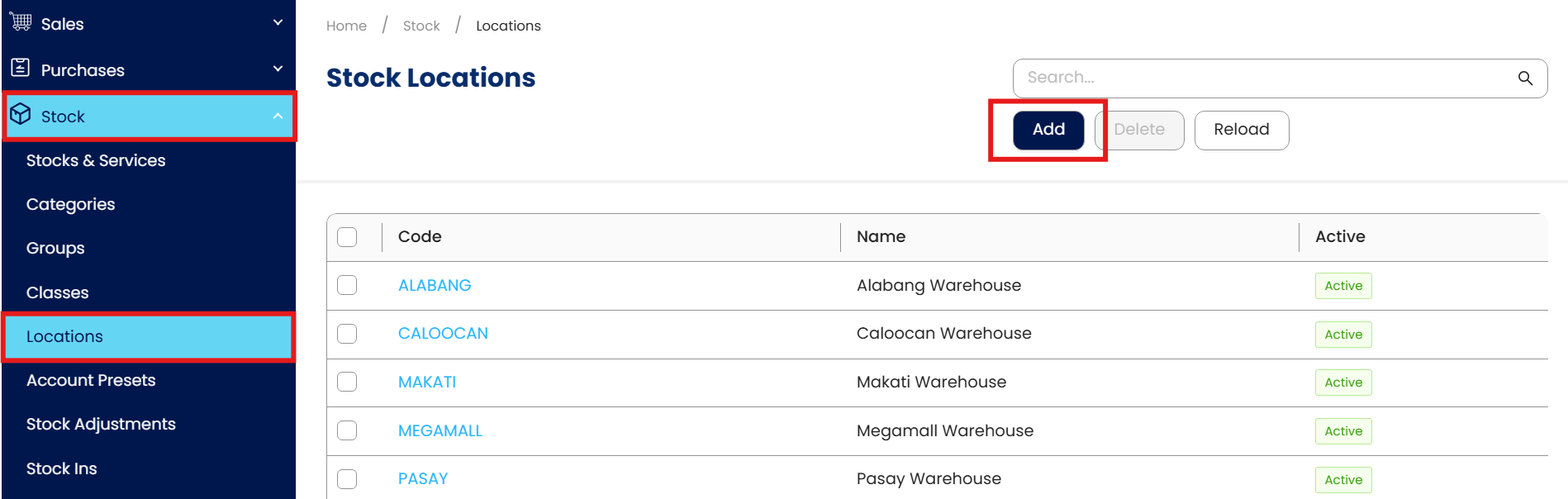
In the Navigation Pane, go to Stock > Locations, then click Add.
Fill in all the necessary information.
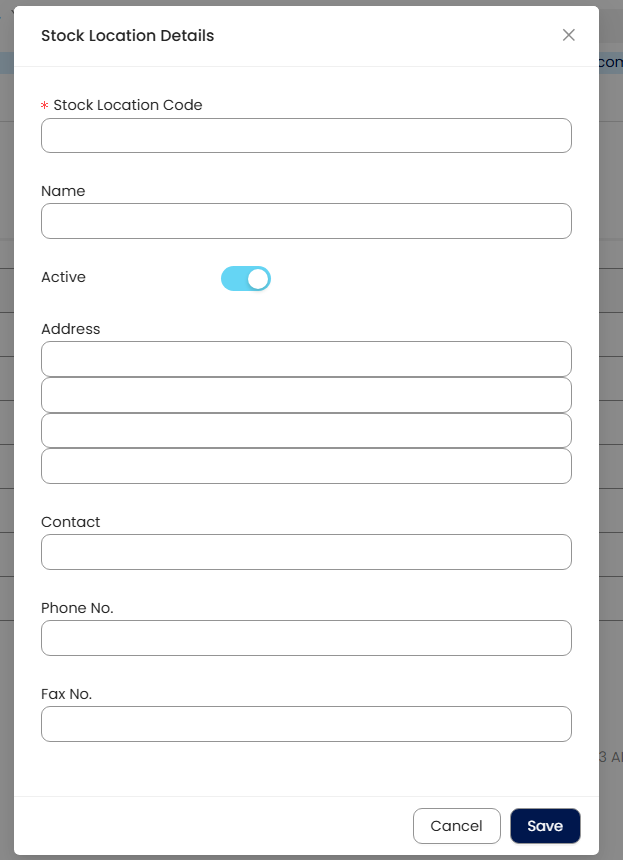
Stock Location Code - This is a compulsory field and should be a unique code.
Name
Active button – This is a toggle button.
Address & Contact – This is an optional string field.
Phone No. & Fax No. – This is an optional number only field.
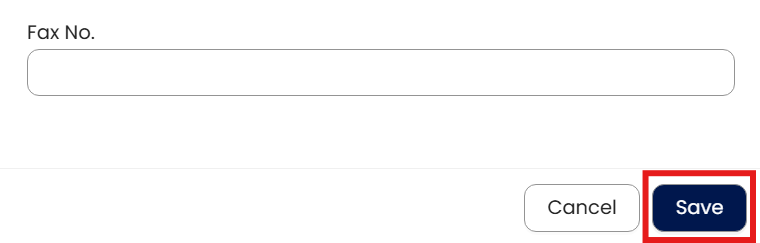
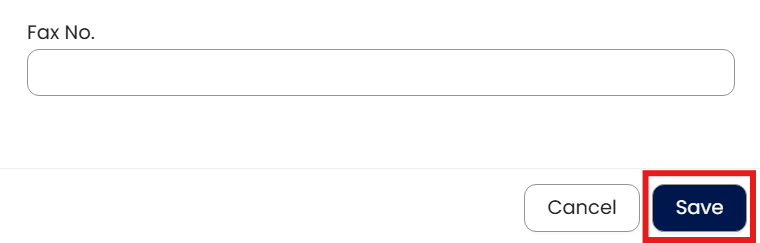
Once done, click save.
Procedure 2: Editing a Stock Location
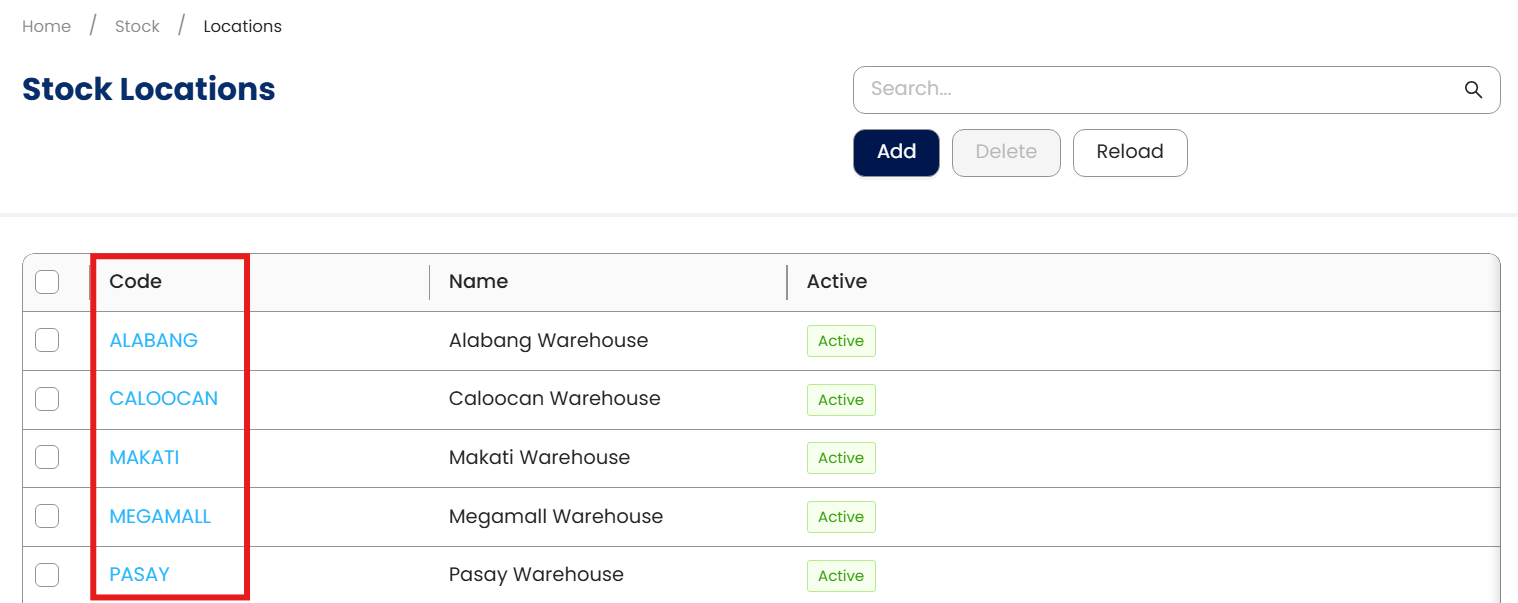
To edit, click the hyperlinked Stock Location Code
Apply necessary changes. Once done, click ‘Save’
Procedure 3: Deleting a Stock Location
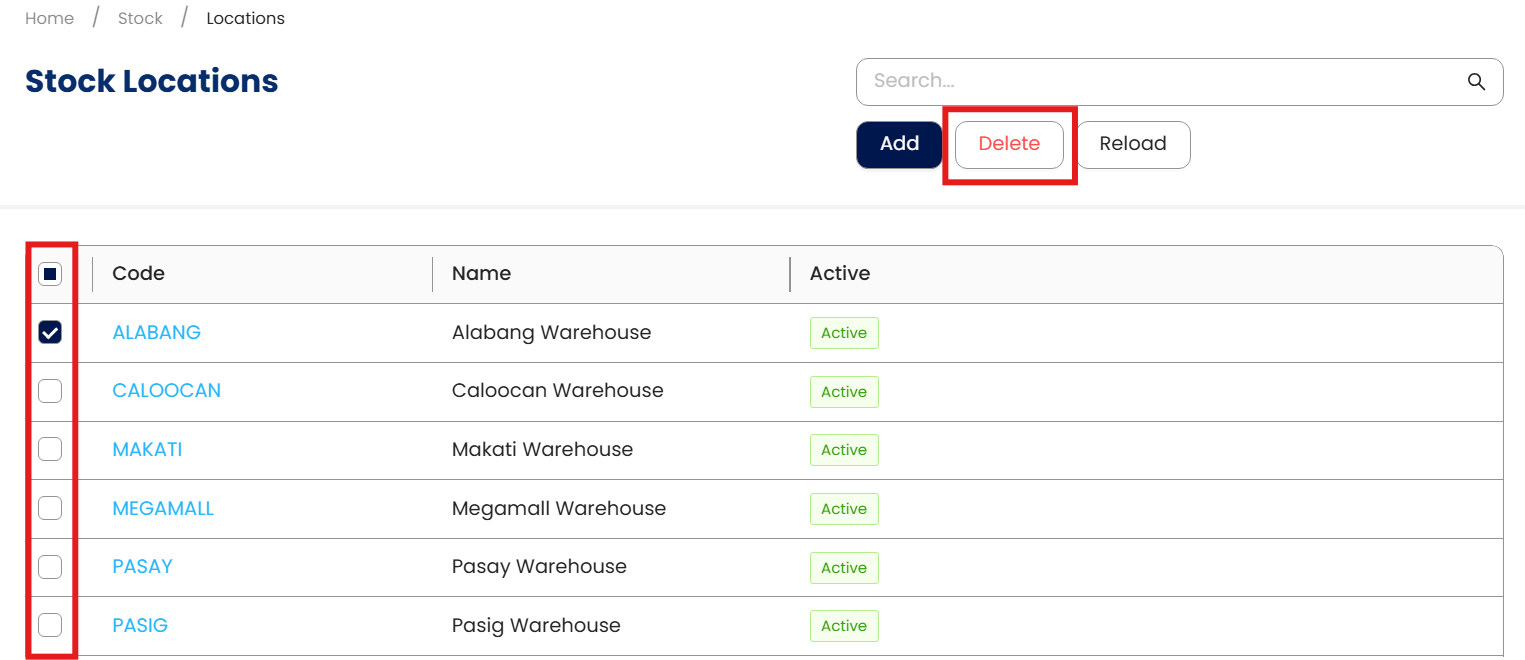
To delete, tick the checkbox beside the Stock Location code, then click Delete.
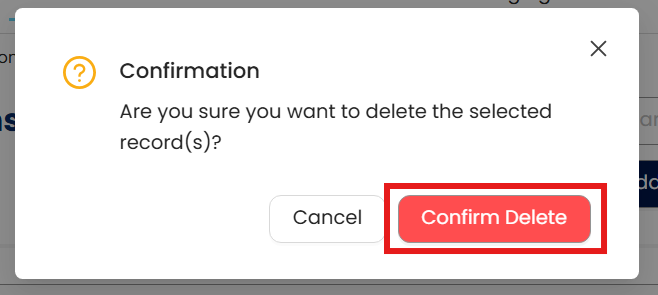
Click ‘Confirm Delete’ to proceed with deletion.
Application:
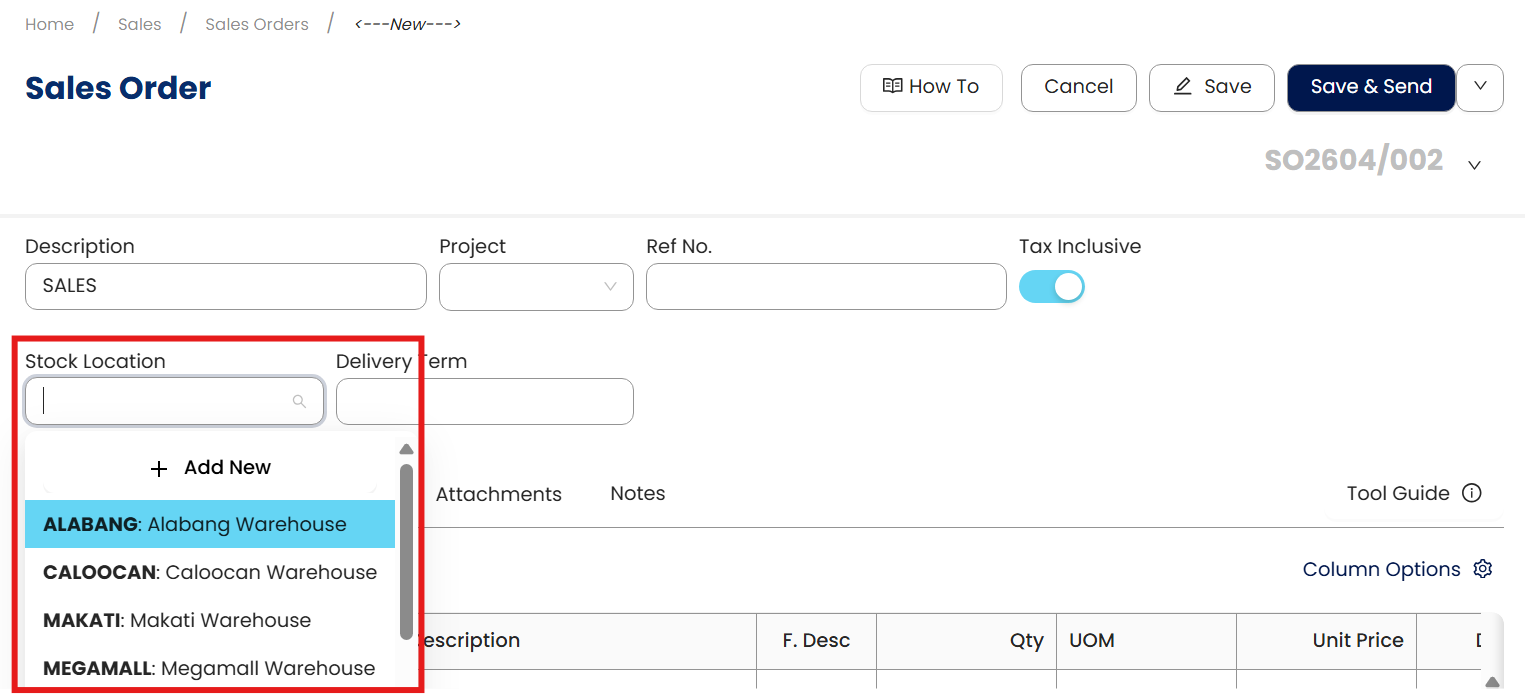
You can now select the added location in global and per item stock location in stock-related transaction forms.
System Scope: QNE AI Cloud Accounting / N3 AI Accounting
Was this article helpful?
That’s Great!
Thank you for your feedback
Sorry! We couldn't be helpful
Thank you for your feedback
Feedback sent
We appreciate your effort and will try to fix the article